How to redeem a Gift.mu gift card
Follow these simple steps to redeem your gift card in-store.
Step 1
Tell the merchant you want to redeem a Gift.mu card
At the checkout counter, tell the sales person or agent that you'd like to offset your bill with a Gift.mu gift card.
Tip
Make sure you have internet access on your phone/device before you start.
Step 2
Open the redemption link
From the SMS or email you received, click the link (or tap the “Click here to redeem” button) to open the redemption page.
What you'll see
A page showing your available balance and a QR scanner to scan the merchant's code.
Step 3
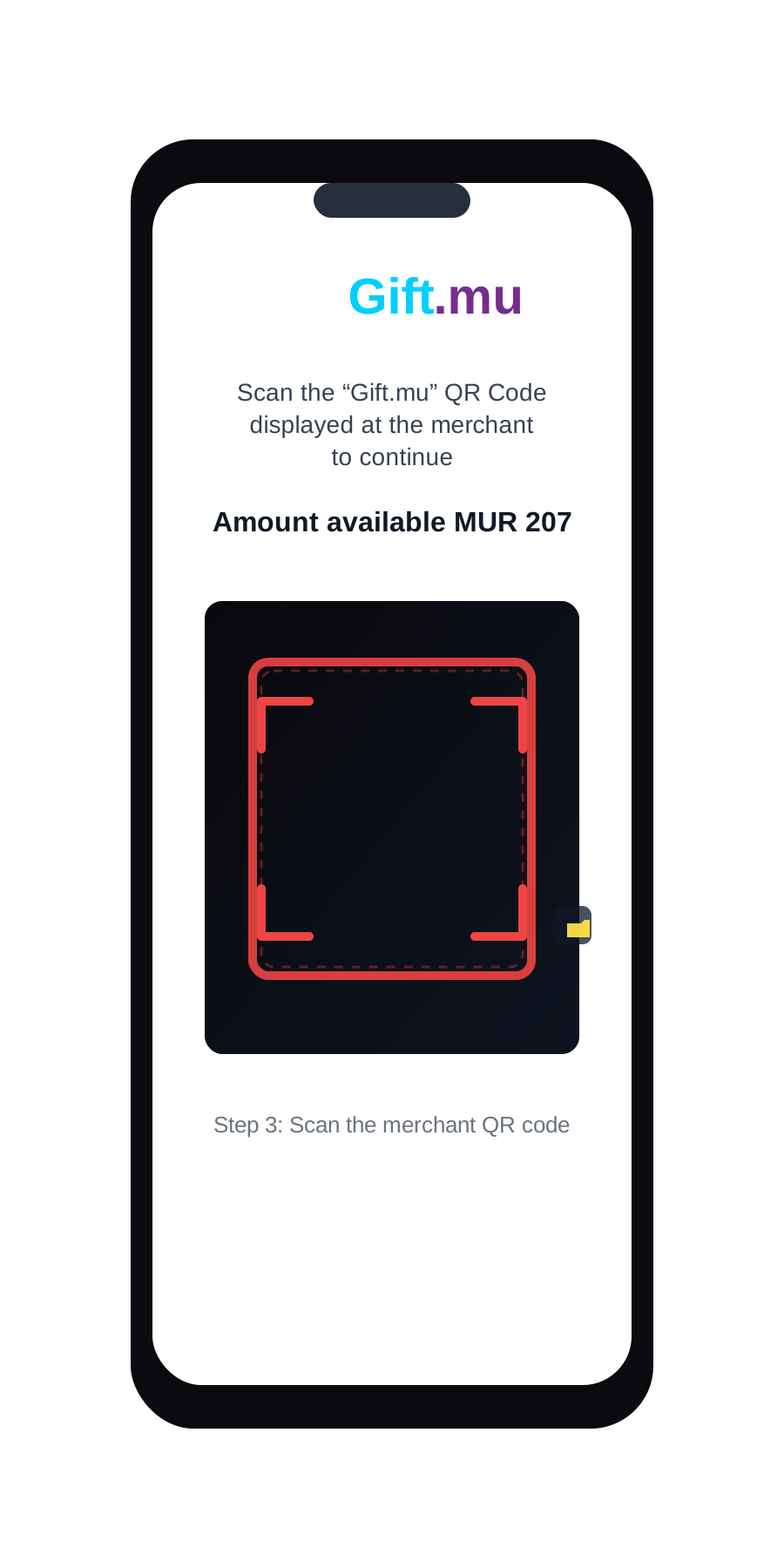
Scan the merchant QR code
Scan the merchant QR code displayed at the counter to proceed.
When the scanner opens, your browser may show a pop-up asking to use your camera. Tap Allow (or OK) so the scanner can work—this is required to scan the merchant QR code.
If the camera does not start, look for the yellow camera icon next to the scanner. Tap it to turn the camera on or off. If scanning still does not work, reload the page and try again.
Step 4
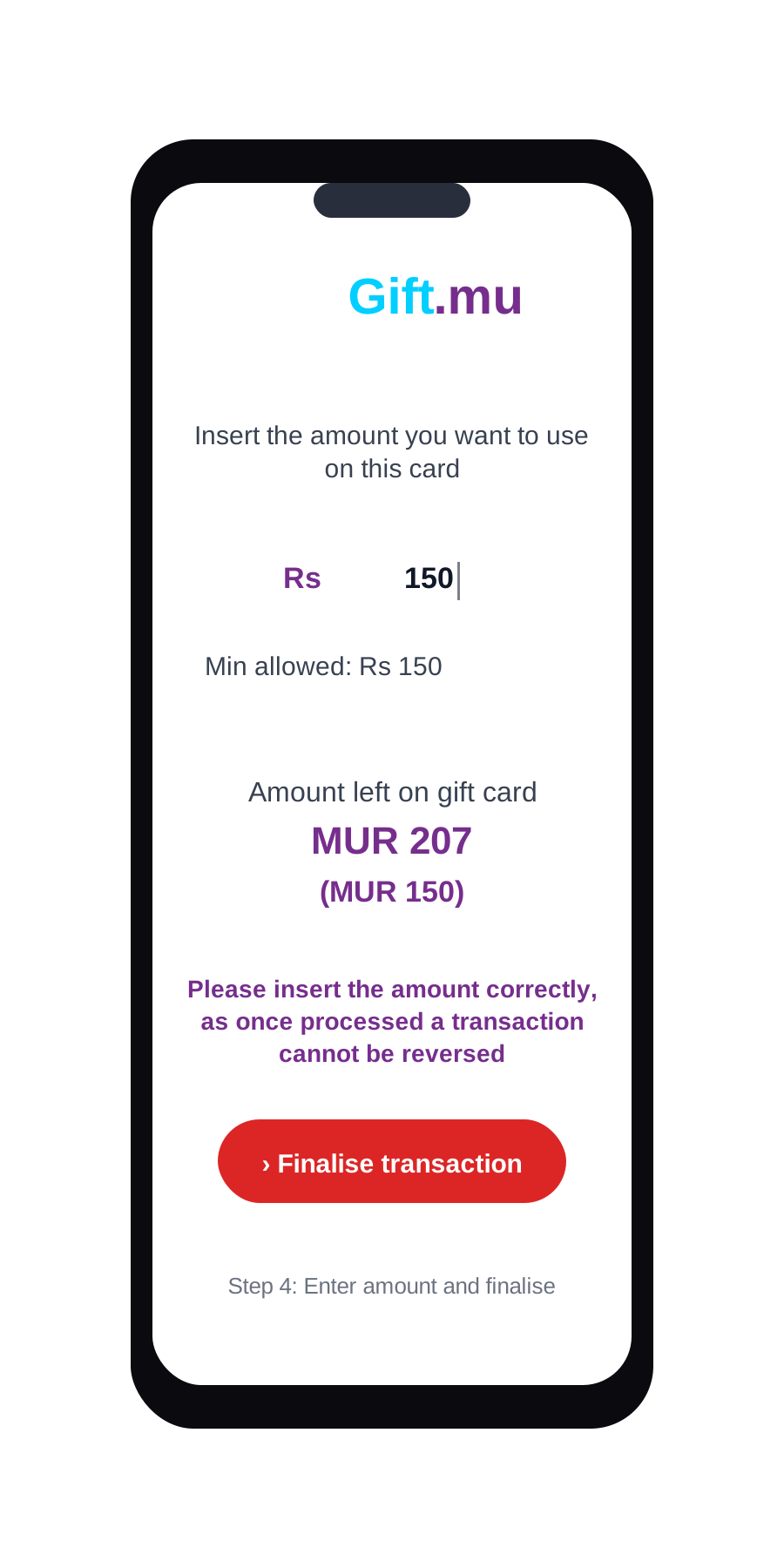
Enter the amount and finalise
Insert the amount you want to redeem and click Finalise transaction.
Step 5
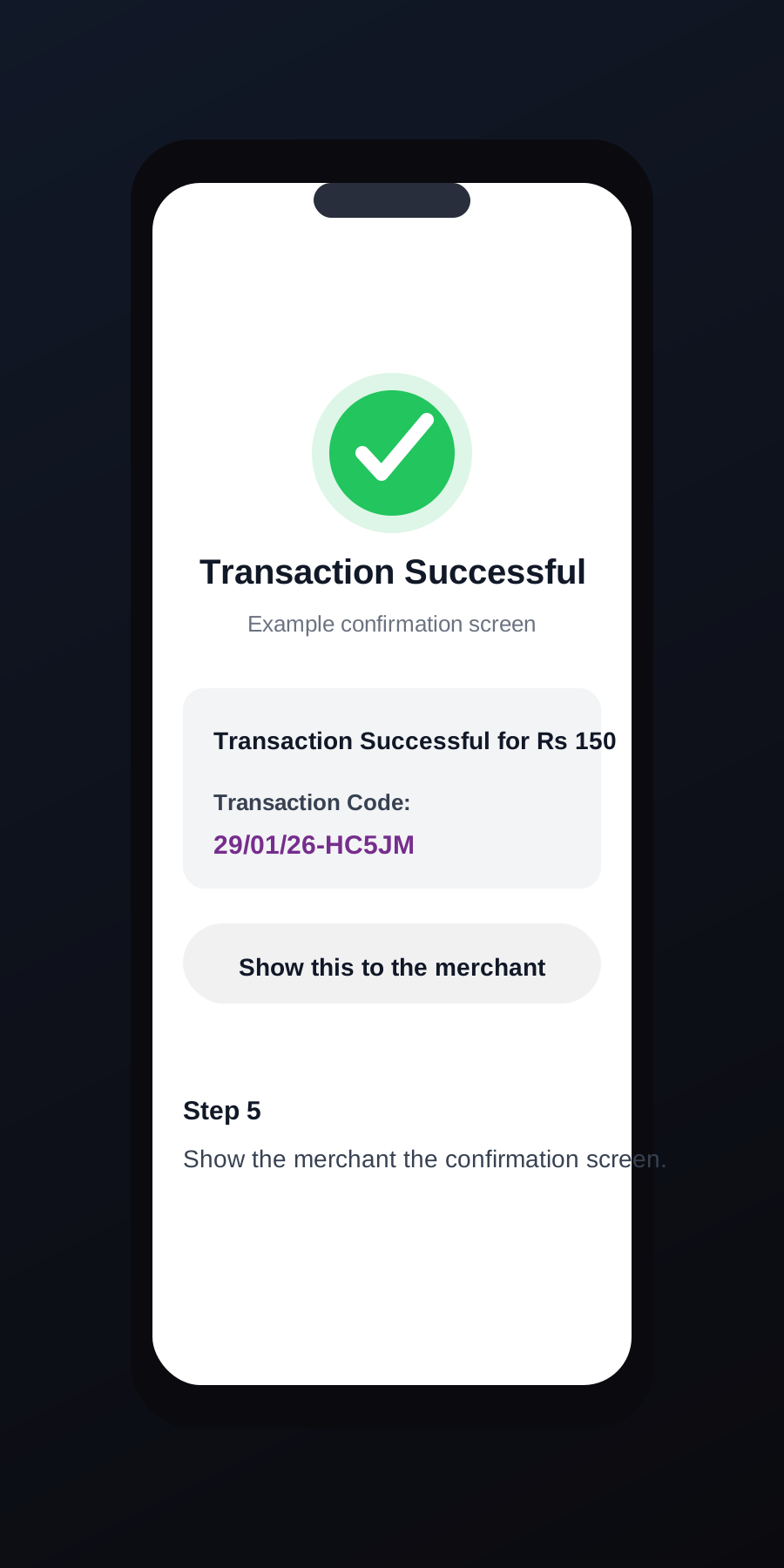
Show the confirmation screen
Show the merchant the transaction confirmation screen.
Example
Transaction Successful for Rs 150
Transaction Code: 29/01/26-HC5JM
It's that easy!
Please note: Before you redeem a card, make sure that you have internet access on your phone/device.